
How to open a Megapari account in Pakistan
One account opens both halves of Megapari: the cricket board and the casino, on a single balance in rupees. You can register with an email address, with a phone number, or through an account you already have. After that the cashier, the welcome offer and live betting are all open to you.

Signing up from Pakistan, step by step
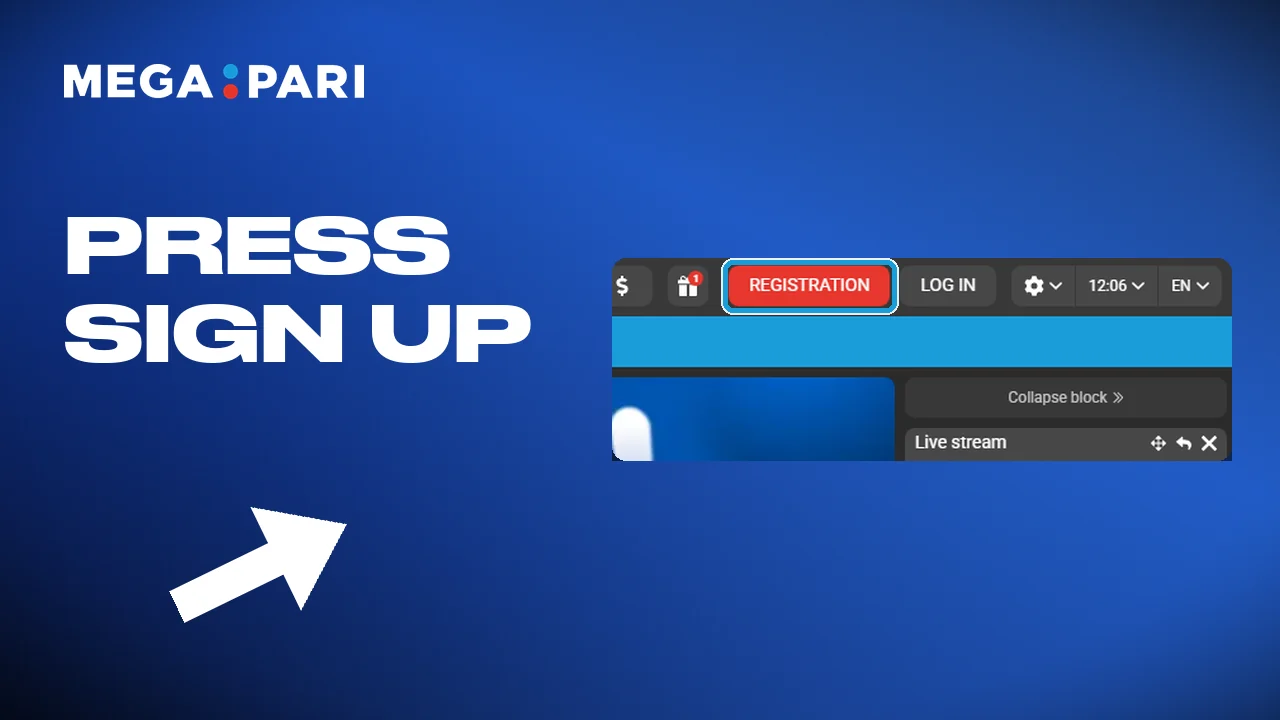
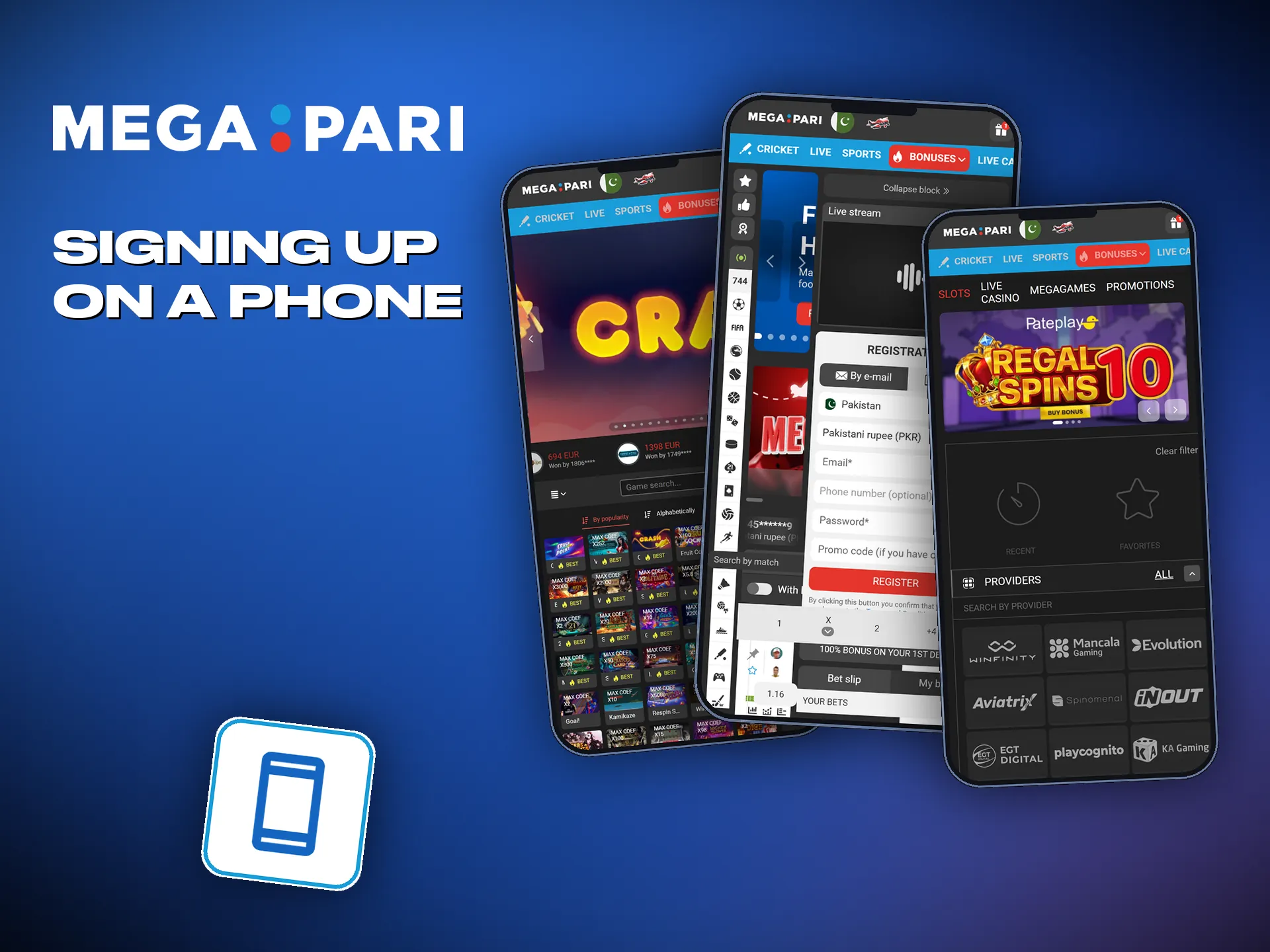
Open the sign-up form
Tap the sign-up button in the header, on the site or in the app.
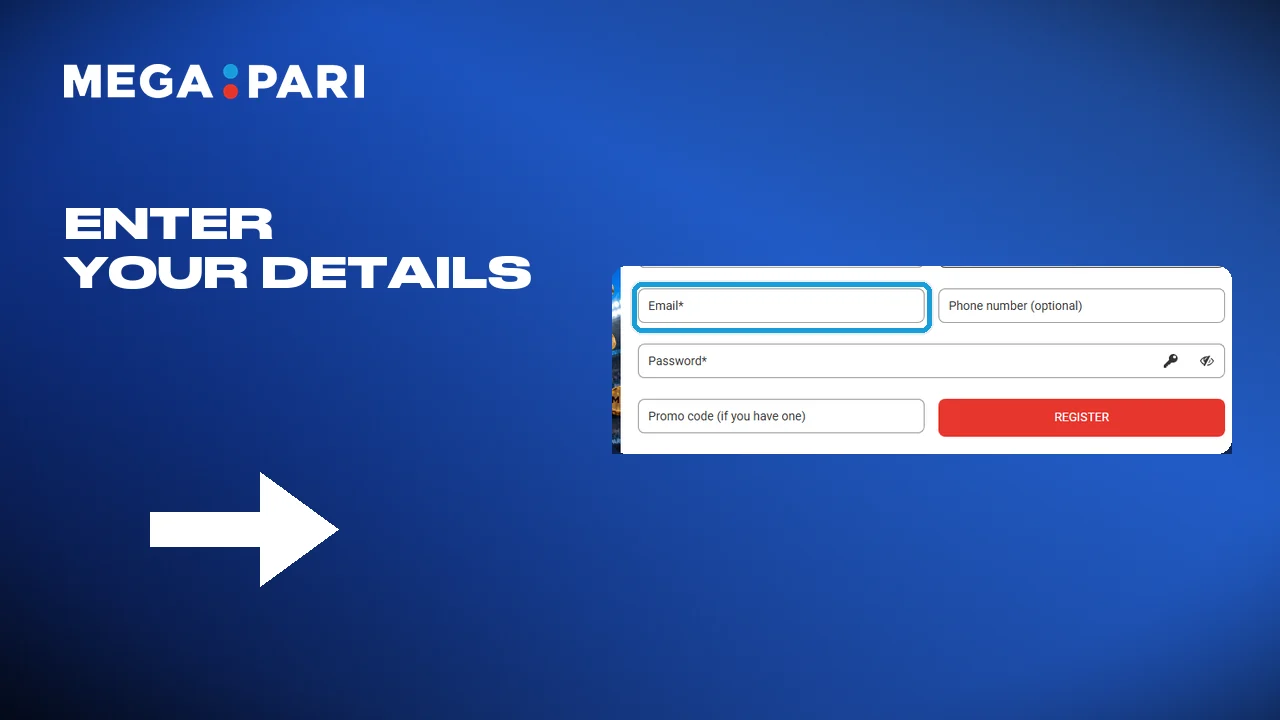
Enter your details
Give an email address or a phone number, then set a password. Mix letters and digits and make it long: this is the one that guards the money.
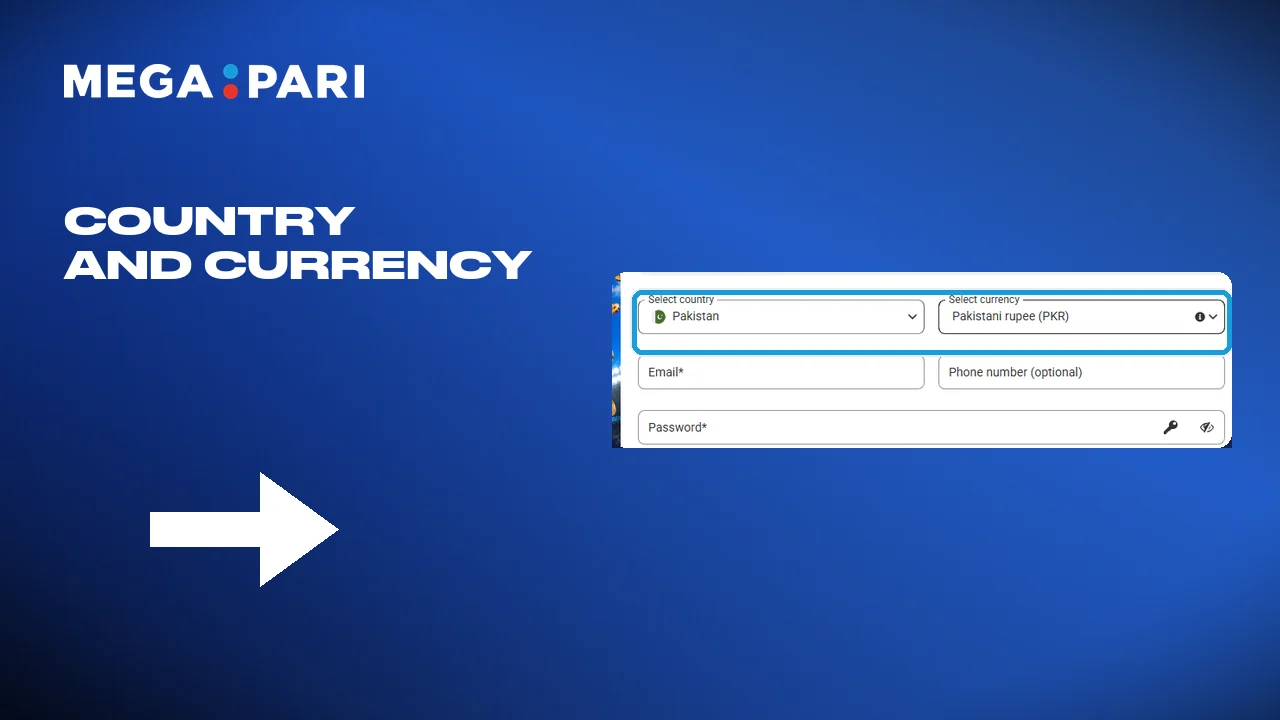
Currency and country
Choose Pakistan and the rupee. The account then counts deposits, stakes and payouts in PKR, and nothing gets converted on the way.
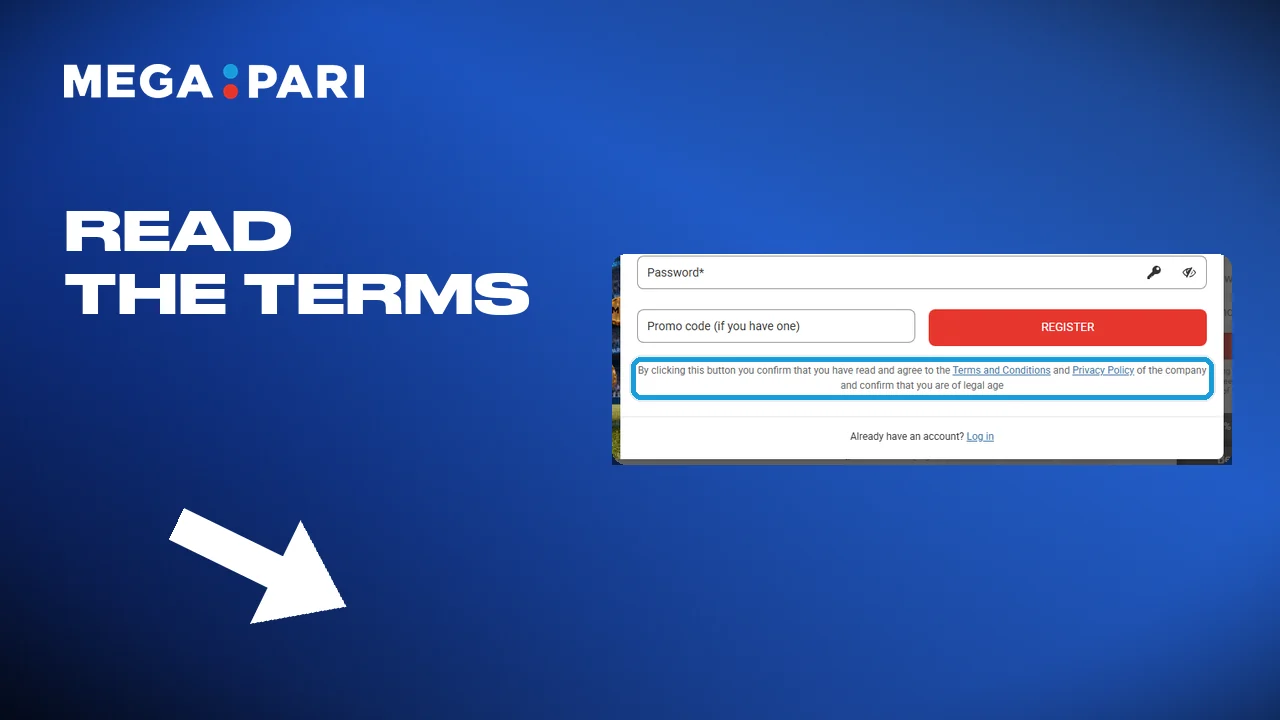
Agree to the terms
Read the terms and the privacy notice, then tick the box that confirms it.
Finish and sign in
Press the sign-up button. The account is live, and the cashier opens from the same menu.
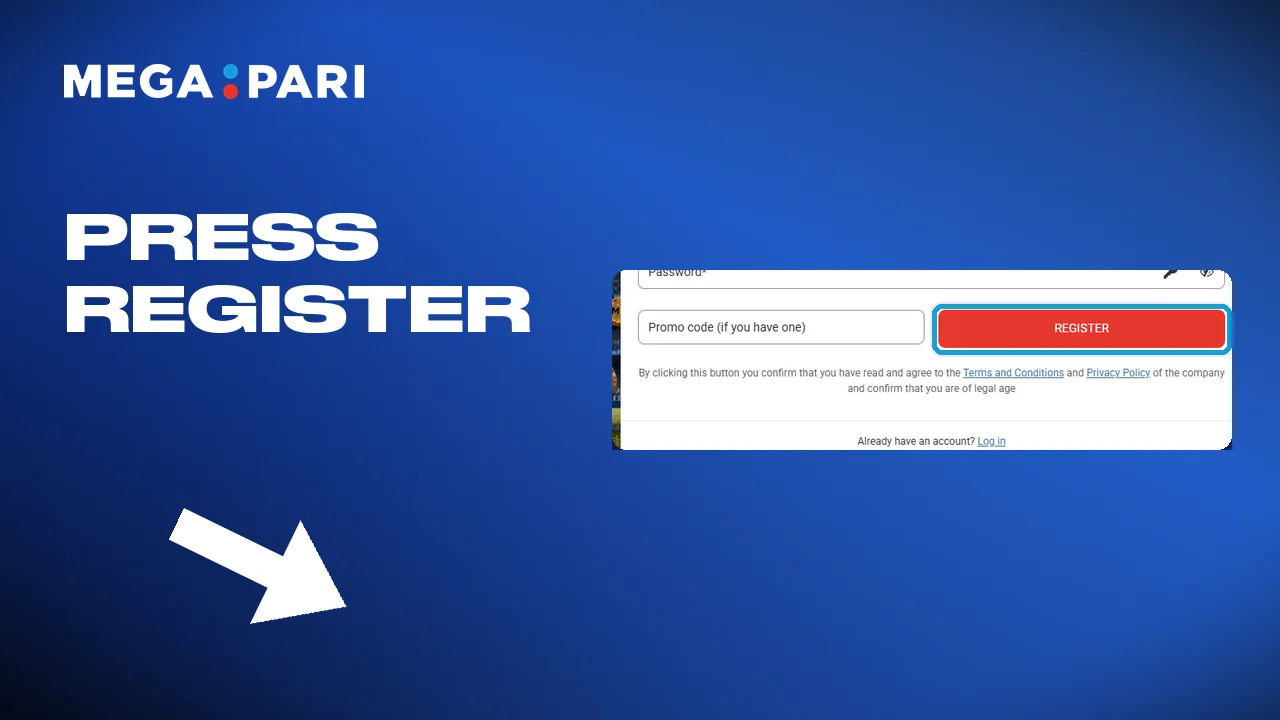
Every way to open an account
Three routes lead to the same account, and none of them takes long. Pick the one you will still remember in a month, because that is what you sign in with.
- Register with your phone number;
- Register with an email address;
- Register through an account you already have;
- All three work in the app as well as the browser.
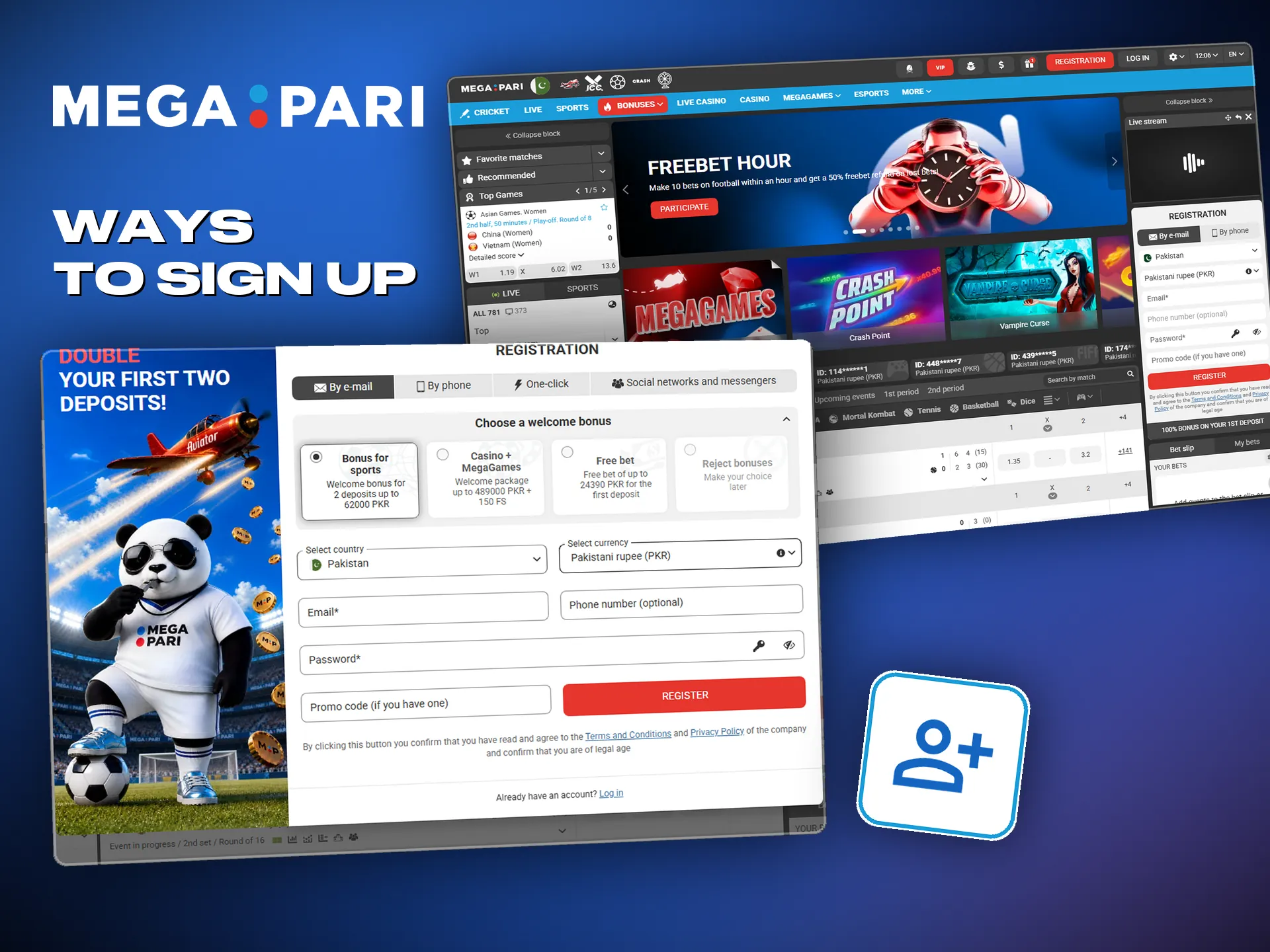
Opening an account in the app
The app runs the same form on a smaller screen. On Android it installs from the APK file on our site, on iPhone and iPad from Safari, and after that the steps below are identical.
- Get the app: the APK for Android comes from the site, and on iOS the site goes to the home screen from Safari; the Megapari app
- Open it and find the sign-up button in the top corner;
- Pick your route: phone number, email address, or an account you already have;
- Fill in whatever the route you picked asks for;
- Confirm, sign in, and the account is ready to fund.
What the account asks of you
A few conditions hold before the form will go through, and none of them is a surprise. They matter because an account that breaks one of them gets stopped later, usually at the worst moment: the first withdrawal.
- The account opens from the age of 18;
- One account per person, and duplicates get blocked;
- The name and the date of birth have to be your own;
- The details have to match the document you will verify with later;
- The terms and the privacy notice have to be accepted first.
Signing in to your account
Once the account exists, getting back into it takes seconds. The same details work on the site, in the app and on the mirror, without any extra step.
Open the sign-in form
Tap the sign-in button at the top of the page.
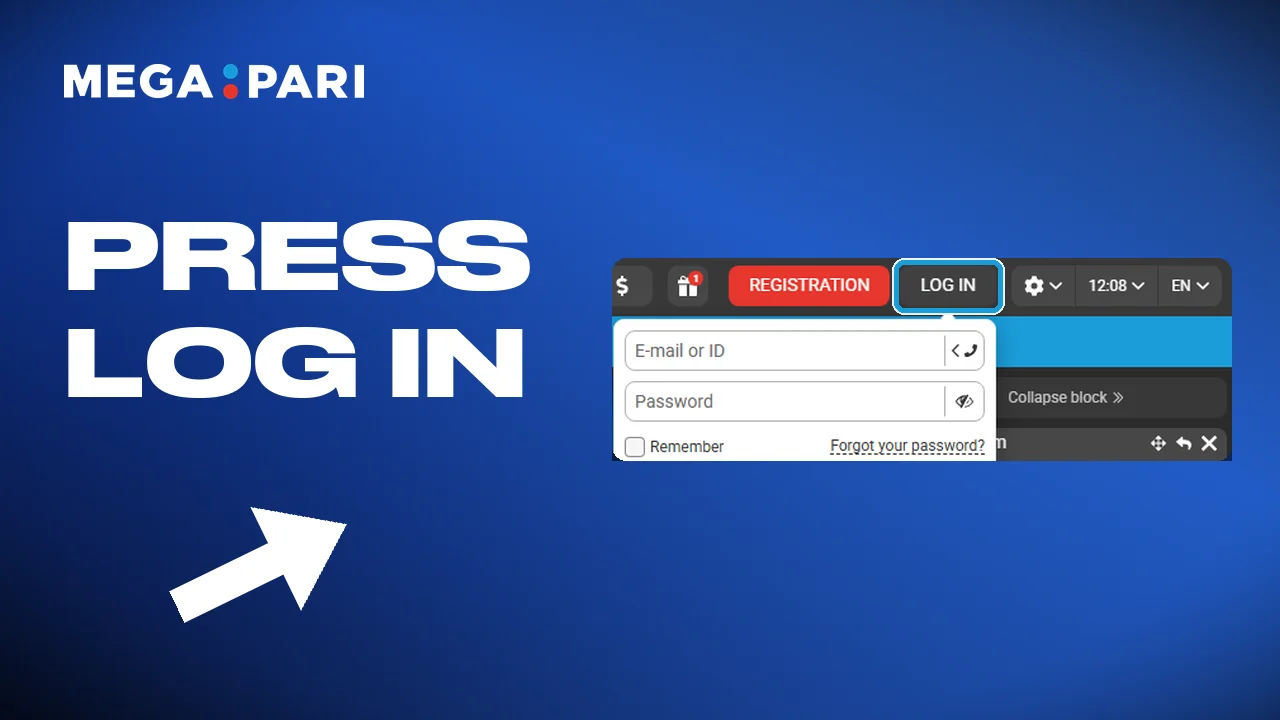
Enter your details
Type the email address or phone number you registered with, and the password.
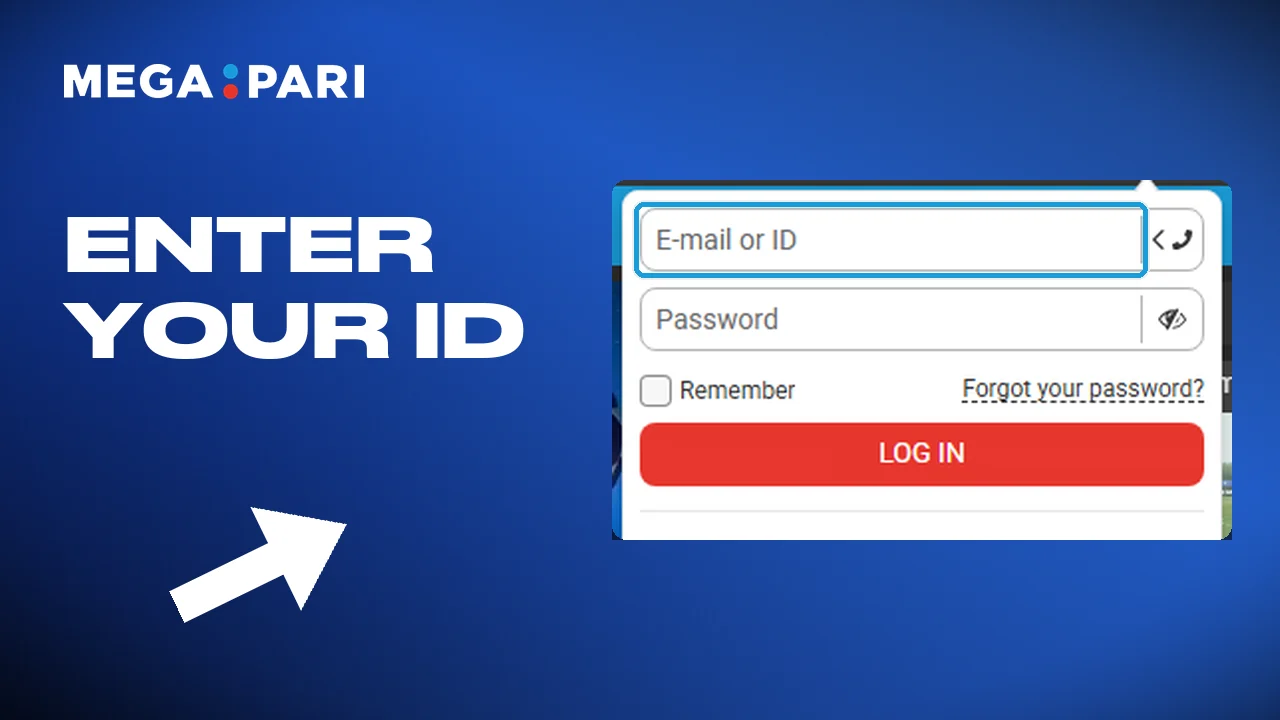
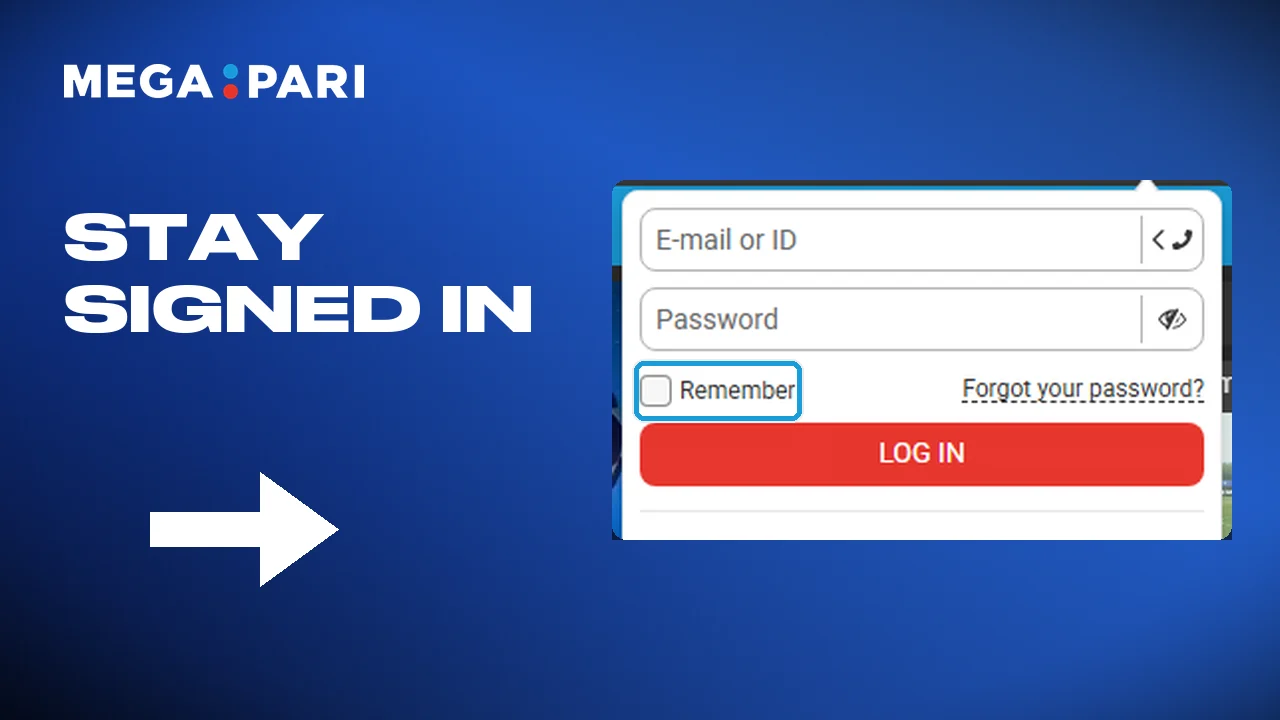
Choose how you sign in
The browser can keep you signed in, which saves typing. On a phone that is not yours, leave that switched off.
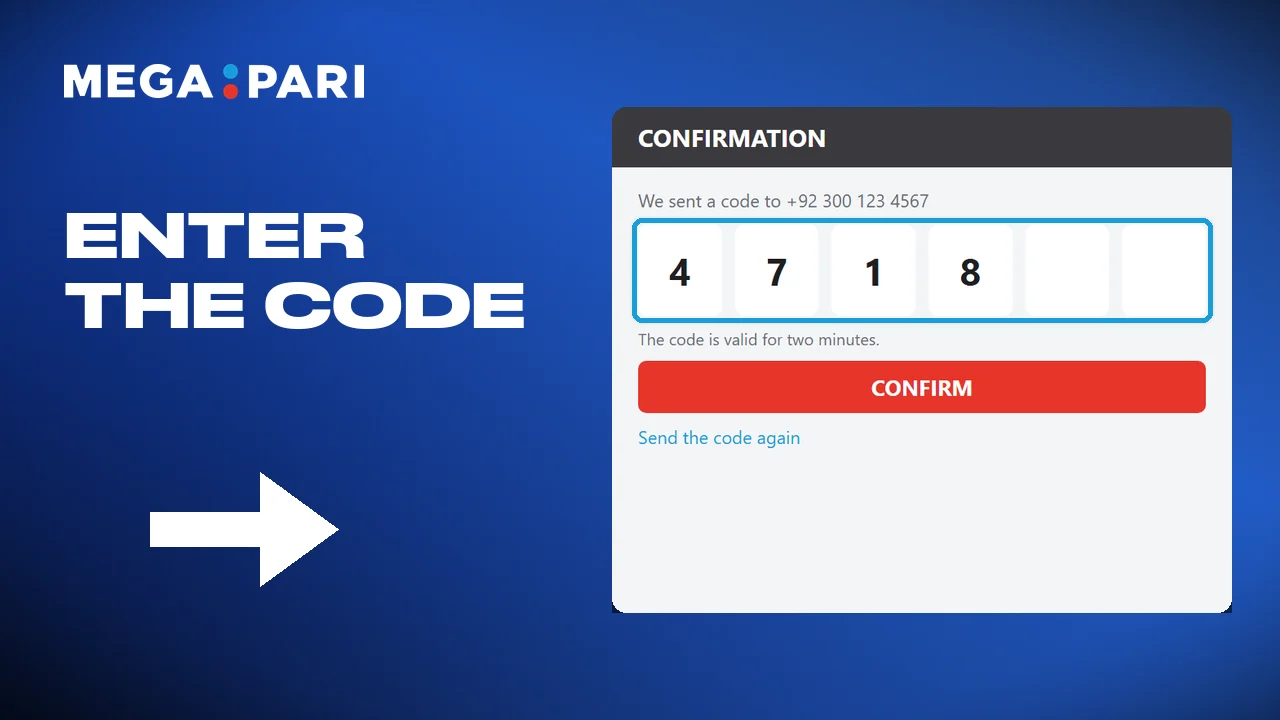
The second check, if it runs
With the second check switched on, enter the code that arrives to confirm.
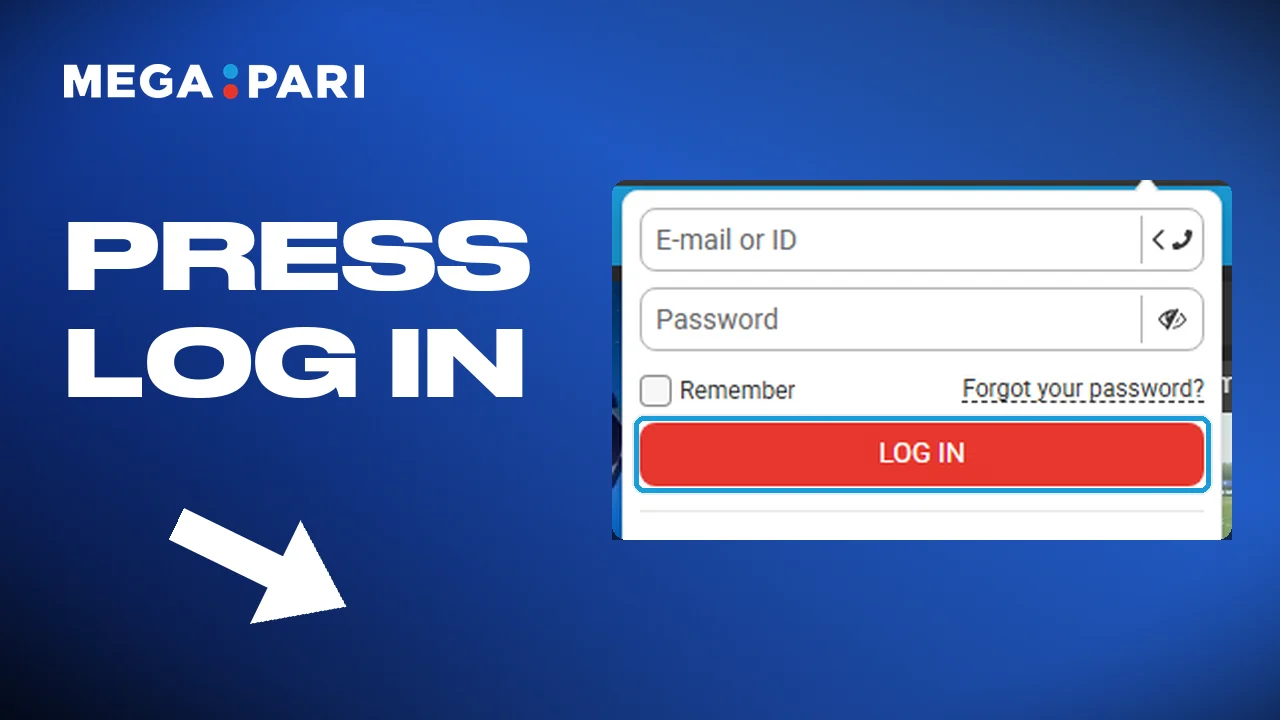
Sign in and play
Confirm, and the account opens on the screen you left it.
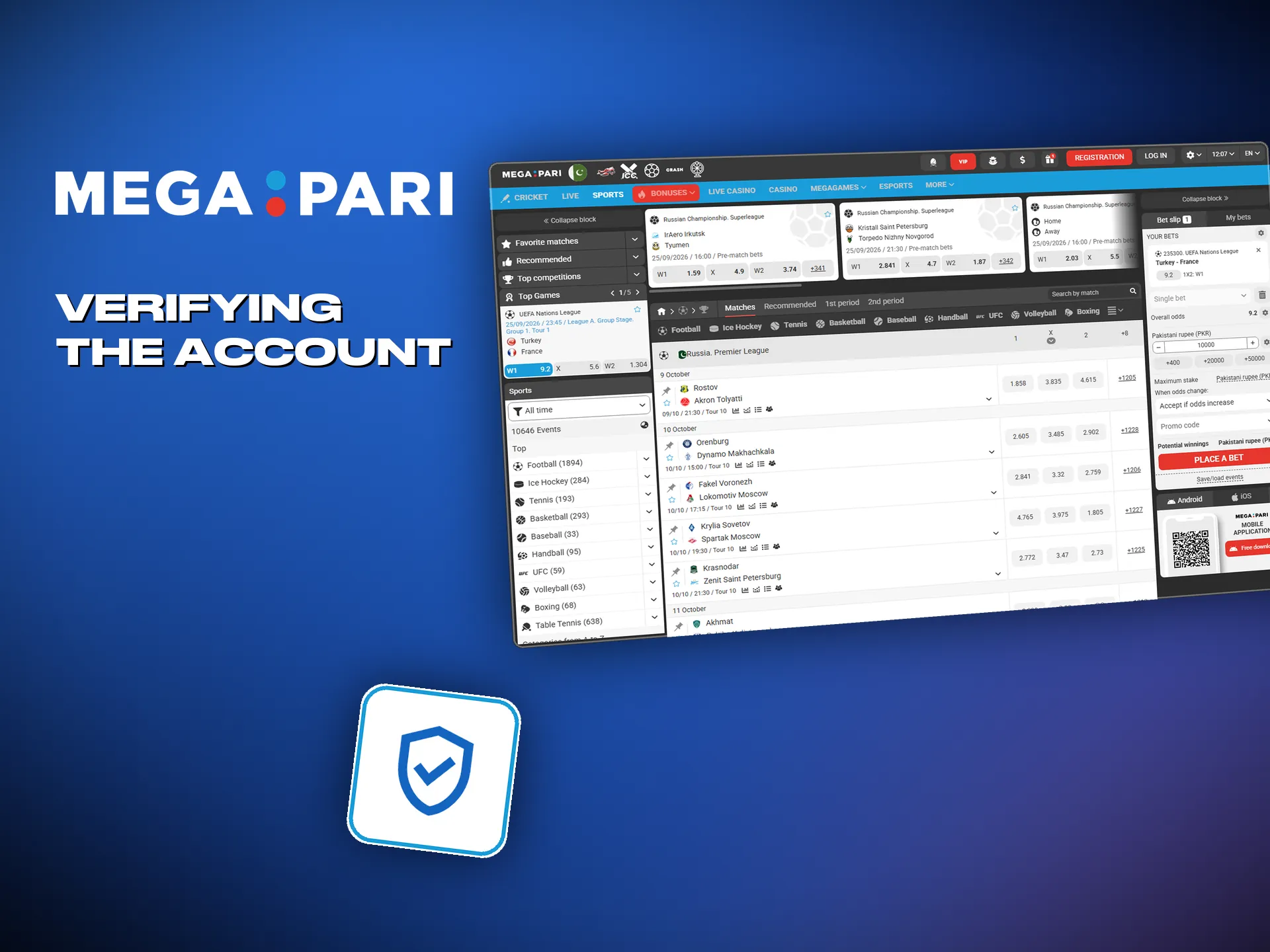
Verifying the account
Verification is the step that opens the cashier on the way out. Megapari asks for it before the first withdrawal. Finishing it early costs nothing; finishing it late means waiting with money already won and nowhere for it to go.
- Fill in your name, date of birth and address in account settings;
- Upload both sides of an identity document;
- Add proof of address if the check asks for one;
- Wait for the check, whose status stays visible in the account;
- The result arrives by email or as an account notice.
The welcome offer for new accounts
A new account picks one welcome package at the first deposit, casino or sport. The two do not stack, so the choice is worth the minute it takes to think about.
Casino package
The casino side runs over the first two deposits and carries free spins on both. The spins land on the slots the promotion names.
- First deposit: up to 163,000 PKR;
- Free spins: 50 on the first deposit, 100 on the second;
- Second deposit: up to 326,000 PKR;
- How to take it: pick the casino package at the first deposit;
- Terms: the playthrough sits in the rules of the promotion.
Sports package
The sports side pays the same figure twice over. Cricket, football and esports all count as sport here, so the PSL and the CS2 board draw on one bonus.
- First deposit: up to 31,000 PKR;
- Second deposit: up to 31,000 PKR again;
- How to take it: pick sport at the first deposit;
- Terms: the promotion rules carry the playthrough and the qualifying odds.
Inside the account
Everything the account does sits behind one menu. The list below is what people actually open, in roughly the order they open it.
- Deposits and withdrawals: the cashier holds EasyPaisa, JazzCash, SadaPay, bank transfer and crypto, with the floor and the ceiling written next to each one;
- Bet history: settled and open slips, with the stake, the odds and the result of every one;
- Bonus tracking: what has been credited, what is still locked, and how much of the playthrough is left;
- Profile settings: the password, the contact details and the notifications you want the account to send;
- Verification: the documents already sent, and whatever the check still wants before the first withdrawal;
- Limits: deposit and stake ceilings you set yourself, and self-exclusion when the account needs to be closed for a while;
- Support: live chat opens from the account, and email takes documents and the cases that need them;
- Promotions: whatever is running now, plus the notice when something new starts.

Problems at sign-up, and what fixes them
Most sign-up trouble comes down to five things. The table has the fix for each, and only the last one needs anything unusual.
| Problem | What to do |
|---|---|
| The confirmation code never arrived | Look in the spam folder, then check the number or address you typed. After a couple of minutes the form will send the code again. |
| The password gets rejected | Make it longer, mix upper and lower case with digits, and add a symbol. Short passwords are what fail here. |
| It says the account exists | That number or address has been registered before. Use password recovery and sign in to the old account instead of opening a second one. |
| The sign-up button does nothing | Clear the browser cache, or open the form in a different browser. Check the connection before you try again. |
| The page will not open | The main domain is blocked in Pakistan, so the form waits on the mirror mp495892.pro. Account, balance and sign-in details stay the same. |
Closing the account
An account can be closed for good. That is not the same as self-exclusion, which pauses it and gives it back: closing takes the account away along with the history behind it.
- Sign in and open the settings page;
- Find account management and choose to close the account;
- Withdraw whatever is left on the balance before you confirm;
- Support looks the request over and confirms the closure by email.

Frequently asked questions
Does registering cost anything?
No. Opening the account is free, and you can look around the board and the casino before depositing. Money only comes in when you want to bet.
Can I have more than one account?
No. One person, one account. Duplicates get blocked, and so does whatever sits on the balance of the second one.
How soon do I have to verify?
Before the first withdrawal. Sending the documents straight after sign-up means the cashier is already open on the day you want the money, which is the whole point.
I forgot my password. What now?
Use the recovery link on the sign-in form. The reset arrives by email or to the phone number on the account.
The bonus did not arrive. Why not?
Check that PMEGA went in exactly as it is written, and that the deposit met the terms of the offer. If it still has not landed, support can look the account up.
Updated: 23 September 2026